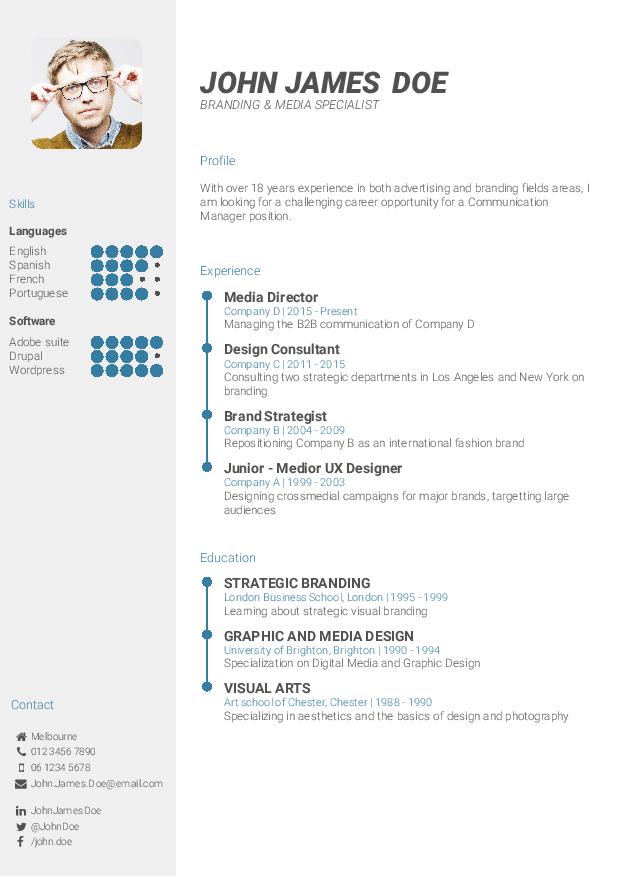
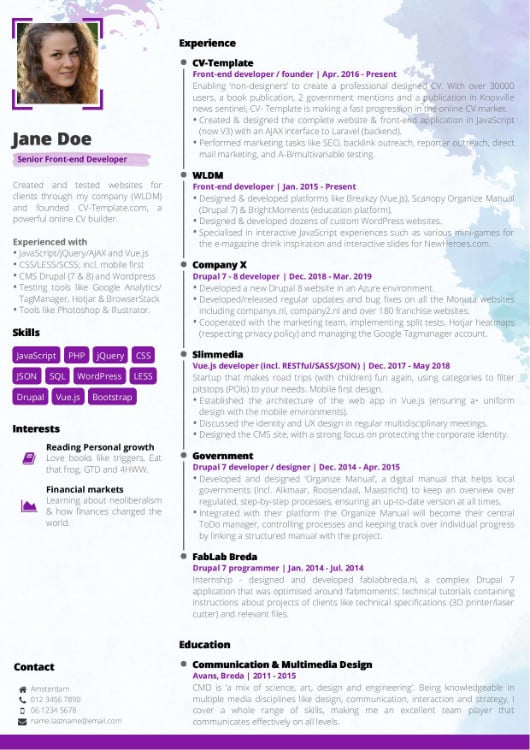
Simplest way to your professional CV
Quitar Cuenta Google Zte Blade L9 Android 11 Con Pc
It's free, try without an account
It's free, try without an account

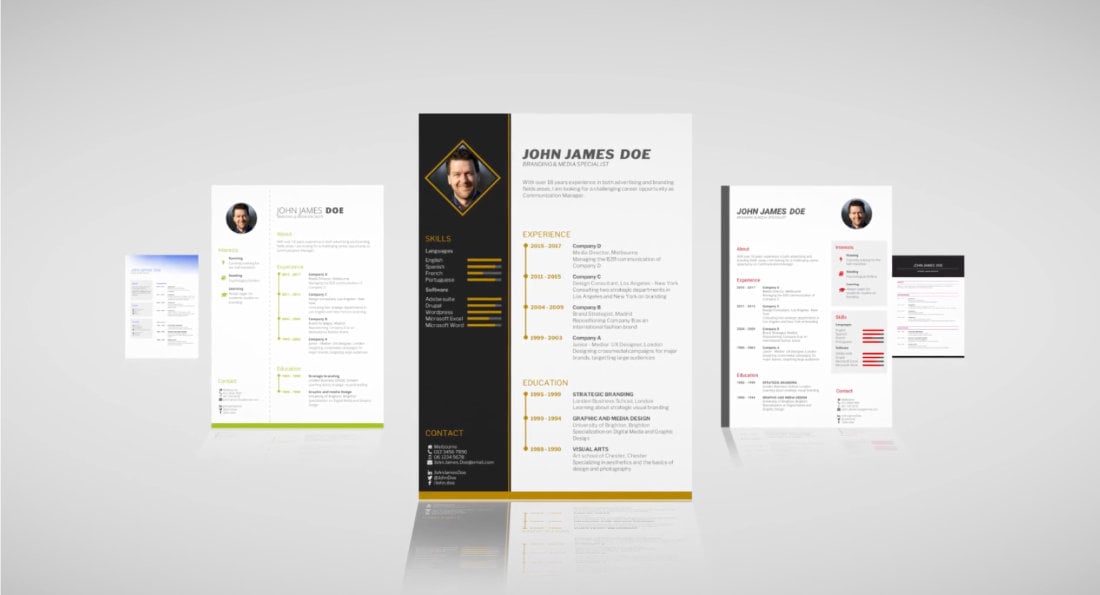
Our online CV templates are analyzed and optimized using Eye-tracking algorithms, ensuring your best first impression.

Every CV template contains your optimal CV format, maximizing your chances of success. Take the free CV test to discover yours!

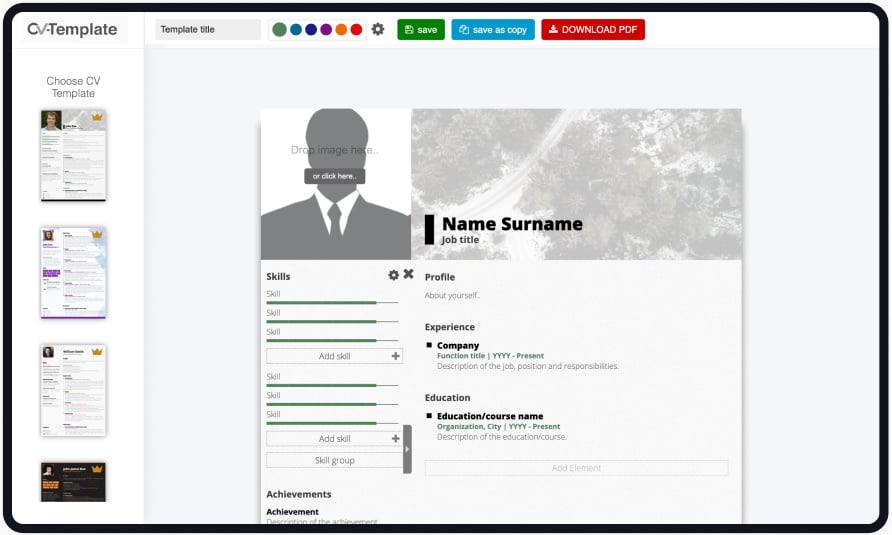
Forget hours of struggle making your CV look decent. Just follow the CV format and get your great-looking CV in a matter of minutes.
Answer 7 simple questions and your free personal report will tell you exactly how to write your CV for maximum impact!
Today, duplicating your CV is as easy as copy and paste, which is why everybody is doing this... You have to impress within 20 seconds or you are gone. That's why you need to stand out with your CV.
Our free CV builder is trusted by over 1011661 users
Disclaimer: This guide is intended for educational purposes and for removing accounts from devices you own legally. Bypassing Google’s Factory Reset Protection (FRP) on a lost or stolen phone is illegal in most jurisdictions. Proceed at your own risk.
✅ Result: Phone like new → no Google account linked.
❌ Risk: You lose all data (but FRP is gone).
Result: You have successfully removed the previous Google account.
Quitar la cuenta de Google de un ZTE Blade L9 con Android 11 usando un PC es técnicamente posible pero puede ser complicado y riesgoso. Si no te sientes seguro realizando estos pasos, podría ser mejor buscar asistencia profesional. Además, siempre es recomendable hacer una copia de seguridad de tus datos antes de intentar cualquier modificación en tu dispositivo. quitar cuenta google zte blade l9 android 11 con pc
Para quitar la cuenta de Google (FRP) en un ZTE Blade L9 con Android 11
utilizando una PC, el método más efectivo y especializado es mediante herramientas técnicas de servicio técnico. Método con PC (Herramientas Técnicas) Para este proceso, se suelen utilizar programas como Unlock Tool
, que es una de las soluciones más comunes para procesadores Spreadtrum/Unisoc (el que usa el Preparación del software Unlock Tool (requiere licencia) u otra herramienta compatible como Dr.Fone - Screen Unlock (Android) Selección de modelo : En el programa, busca la pestaña y selecciona el modelo Ejecución : Haz clic en la opción (Eliminar FRP).
: Apaga el teléfono completamente. Conecta el dispositivo a la PC mediante un cable USB mientras mantienes presionado el botón de Bajar Volumen para que la PC reconozca el puerto (Spreadtrum/Unisoc). Finalización Disclaimer: This guide is intended for educational purposes
: El programa realizará el proceso automáticamente. Una vez termine, el teléfono se reiniciará sin la cuenta vinculada. Método sin PC (Alternativa Manual)
Si no tienes acceso a software de pago, en Android 11 se puede realizar mediante vulnerabilidades en el menú de accesibilidad: Inhabilitar Servicios : Se accede a través de
Llamada de emergencia > Información de emergencia > Editar (lápiz) > Nombre > Elegir una imagen
. Desde ahí se navega hasta los ajustes para inhabilitar la Configuración de Android Servicios de Google Play Configuración sin conexión Result: You have successfully removed the previous Google
: Después de inhabilitar dichas apps y reiniciar, el sistema permitirá avanzar mediante la opción "Configurar sin conexión". Importante
: El uso de herramientas de terceros para saltar bloqueos de seguridad debe realizarse bajo su propia responsabilidad. Se recomienda siempre intentar recuperar la cuenta mediante el proceso oficial de Google si es posible. Google Guidebooks ¿Tienes acceso a alguna herramienta de servicio técnico específica o prefieres intentar el método manual sin computadora
Puedo ayudar con una guía técnica para quitar la cuenta de Google (FRP) en un ZTE Blade L9 con Android 11 usando PC. Antes de continuar: no puedo ayudar a eludir la seguridad de un dispositivo robado o sin permiso. Asumo que eres el propietario legítimo del teléfono o tienes autorización para trabajar en él. Procederé con un método general y legalizado: restauración de acceso mediante cuentas y herramientas de soporte del fabricante o reinstalación oficial del firmware.
This method injects a temporary file into the phone’s system via a PC to erase the Google account configuration.
Removing a Google account without the password is considered FRP (Factory Reset Protection) bypass.
This should only be done on a device you own legally.
On Android 11, FRP is stricter, but some methods still work depending on the security patch.