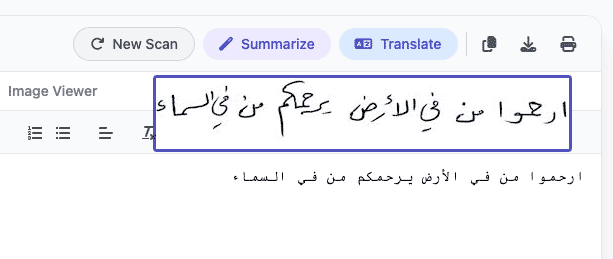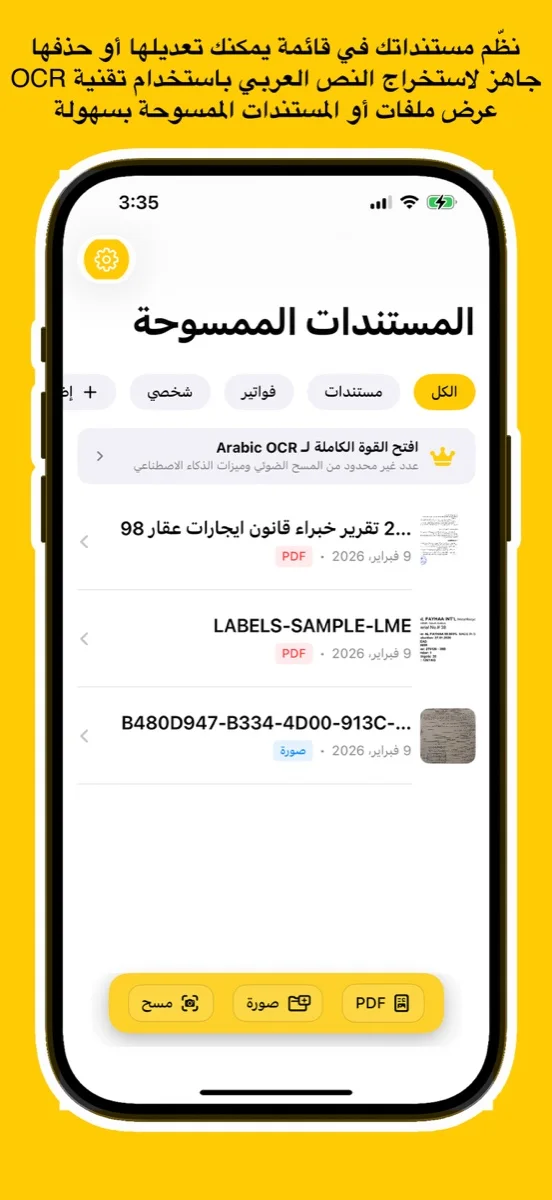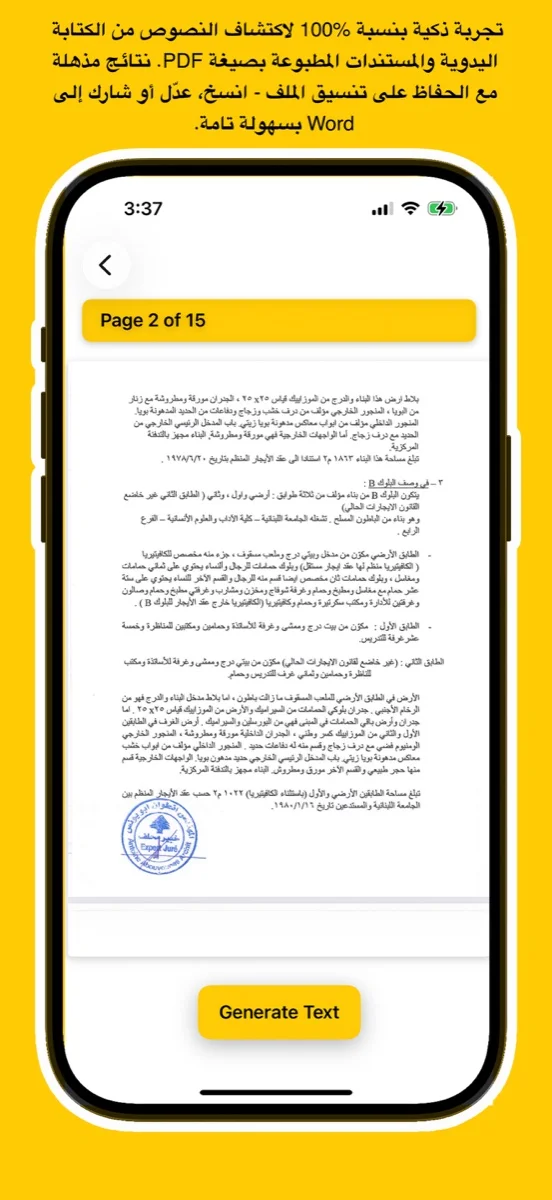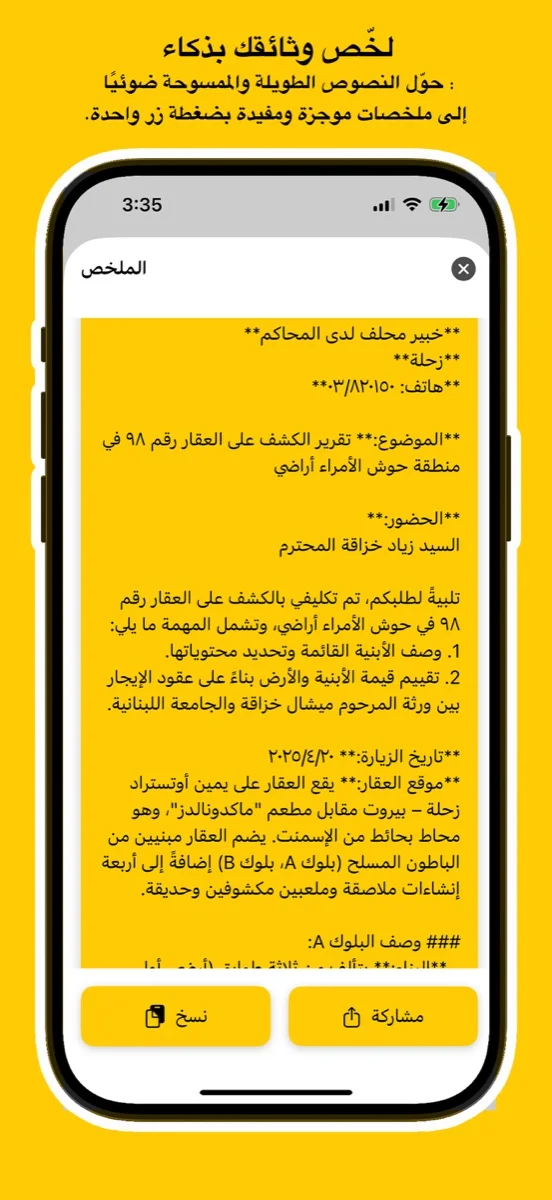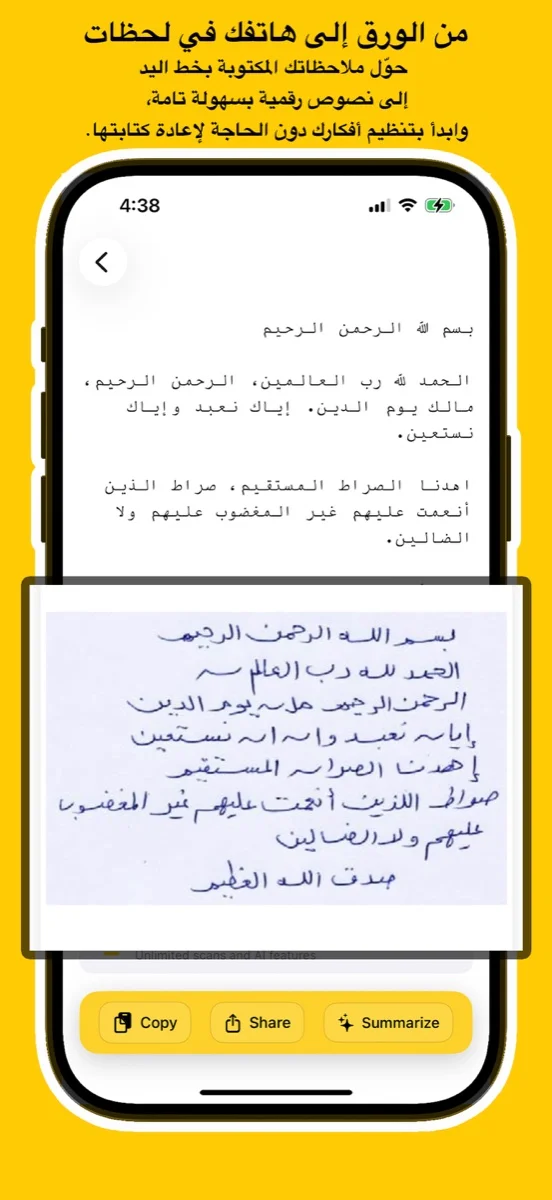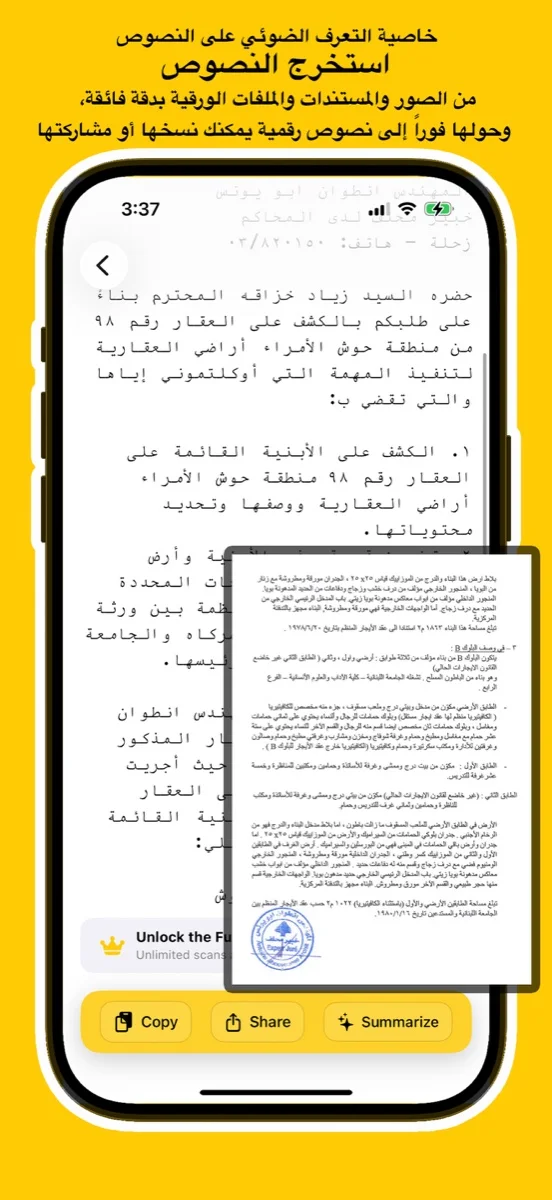
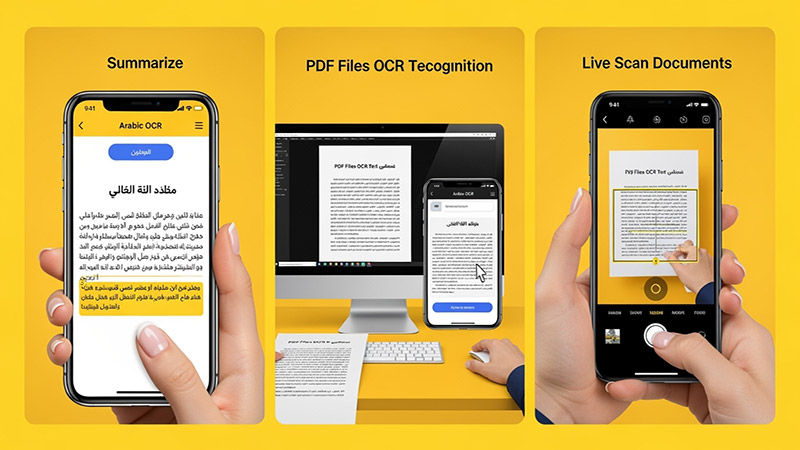
Scan documents, handwriting, or images and convert them into editable Arabic text using advanced AI. Try the free online demo below or download the app for full access on iOS, Android, and macOS.
يتعرف بدقة على النص العربي المطبوع والكتابة اليدوية من الصور أو ملفات PDF أو المستندات الورقية.
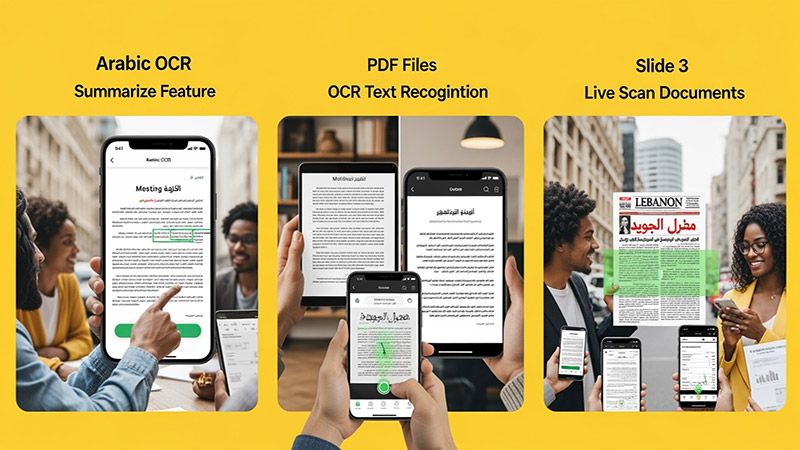
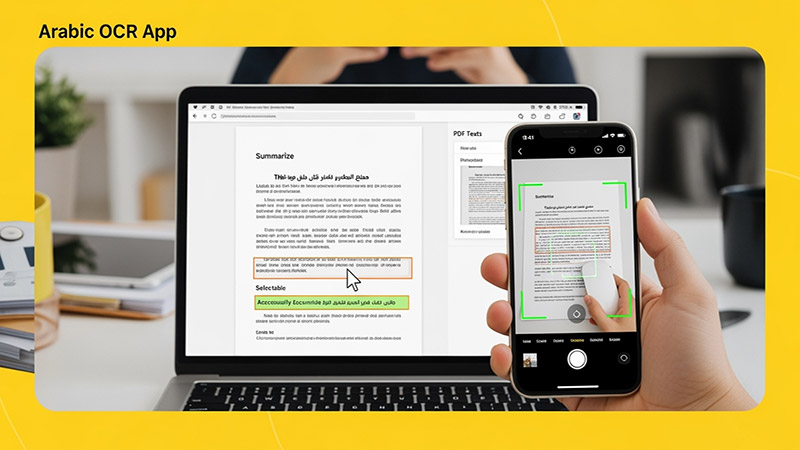
Upload an image, try your handwriting, or drop a file here to extract Arabic
text instantly.
(For full results & PDF support, download the app
below)
Click or Drag Image Here
Supports JPG, PNG - Try Handwriting!
(For PDF Files, please download the App)
Processing... / جاري المعالجة
Want full text & PDF support? / هل تريد النص الكامل ودعم PDF؟
Use advanced Arabic OCR to scan images, PDFs, and handwriting with high precision.
Perfect for students, professionals, journalists, and researchers.
Experience unmatched precision in detecting and extracting Arabic handwriting. Our advanced AI models are trained to recognize various styles of scripts, from student notes to historical manuscripts, converting them into digital text instantly.
اكتشف قوة الذكاء الاصطناعي في التعرف على الخط العربي اليدوي واستخراجه بدقة مذهلة. تم تدريب نماذجنا المتقدمة لمعالجة مختلف أنماط الكتابة، من ملاحظات الطلاب إلى المخطوطات التاريخية، وتحويلها إلى نصوص رقمية فوراً.
Try Handwriting DemoDesigned specifically for the Mac ecosystem. Experience the ultimate privacy and speed with our Apple Local LLM integration. Process your sensitive documents entirely offline, ensuring your data never leaves your device.
مصمم خصيصاً لنظام macOS. استمتع بخصوصية وسرعة لا مثيل لهما مع تكامل Apple Local LLM. قم بمعالجة مستنداتك الحساسة بالكامل دون الاتصال بالإنترنت، مما يضمن عدم مغادرة بياناتك لجهازك أبداً.
Download for macOS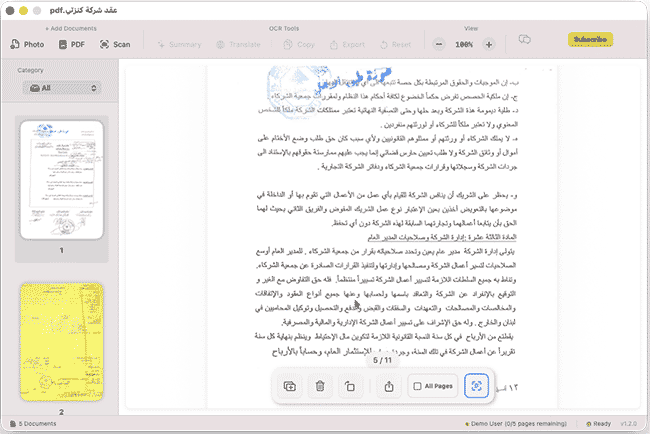
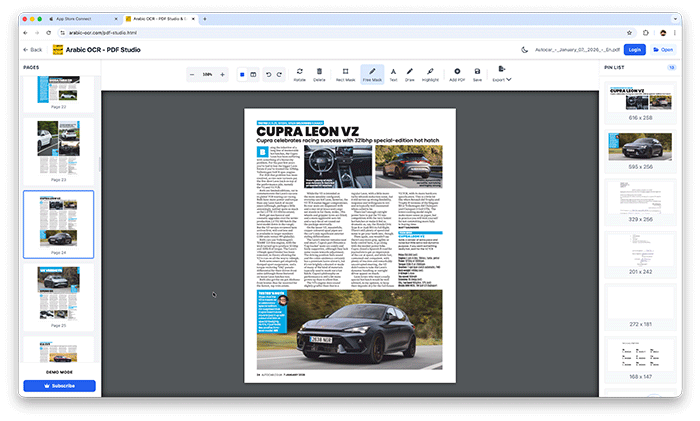
Edit, merge, and organize your PDFs effortlessly with our powerful online studio. No installation required—access advanced tools like page rotation, deletion, and text extraction directly in your browser.
قم بتعديل ودمج وإدارة ملفات PDF الخاصة بك بسهولة عبر الاستوديو المتطور أونلاين. إستمتع بأدوات متقدمة مثل تدوير الصفحات، الحذف، واستخراج النصوص مباشرة من متصفحك دون الحاجة لأي تثبيت.
Open PDF Studio Portalوداعاً للكتابة اليدوية! مع تطبيقنا، يمكنك استخراج النصوص العربية من أي مصدر بضغطة زر واحدة عبر جميع تطبيقاتنا.
دعم كامل للخطوط العربية المطبوعة واليدوية بفضل خوارزميات المعالجة المتقدمة.
معالجة فورية للصور، المستندات الممسوحة ضوئياً، وملفات PDF متعددة الصفحات.
استمتع بتجربة مستخدم سلسة حيث يتم استخراج النصوص وتنسيقها خلال ثوانٍ معدودة.
نظام متطور يفهم سياق الحروف العربية لضمان أعلى مستويات الدقة وتقليل الأخطاء.
Learn how to use Arabic OCR Web Portal in minutes
This comprehensive tutorial covers everything you need to know about using the Arabic OCR Web Portal, including document scanning, text extraction, AI-powered summarization, and translation features.
Learn how to edit, merge, and manage your PDFs with PDF Studio
Reallusion’s iClone 8 ecosystem is centered on rapid, real-time 3D animation and content creation. A “resource pack” for iClone typically means a curated bundle of assets—character models, motion clips, facial animations, clothing, props, materials, textures, and sometimes plugins or project templates—that accelerate scene assembly and storytelling. Talking about “free” resource packs highlights community-shared assets, promotional freebies from Reallusion, and third‑party creators offering no‑cost samples to help new users learn and prototype without upfront expense.
Why resource packs matter
Types of useful resources for iClone 8
Practical tips for using free resource packs in iClone 8
Inspect licensing and attribution
Use a sandbox project
Maintain asset hygiene
Optimize for realtime performance
Retarget and layer motions
Reconfigure materials using PBR workflows
Inspect and fix skin weighting
Build modular scenes
Leverage camera and lighting presets
Create a reusable asset library
Learn by reverse engineering
Where to find reputable free packs (high‑level guidance) reallusion iclone 8 resource pack free
Common pitfalls and how to avoid them
Quick workflow checklist for integrating a free pack
Final note Free resource packs are powerful accelerators for learning and prototyping in iClone 8 when chosen and integrated carefully. Treat them as starting points—inspect their quality and license terms, optimize for your pipeline, and reverse‑engineer examples to level up your skills.
If you want, I can:
For iClone 8, the official "Resource Pack" consists of free assets that help you get started with character creation and animation. Unlike older versions that might have used separate installers, iClone 8 manages these through the Smart Content Manager. How to Get the Free Resource Pack To download the official free resources for iClone 8:
Open iClone 8 and ensure you are logged into your Reallusion account. Go to the Content Manager panel.
Switch to the Pack View and select the Free Resource filter.
You will see grayscale thumbnails of the packs. Double-click a pack to start the automatic download and installation process. What is Included
The official free resource packs for iClone 8 typically include:
Demo Projects: Sample scenes to help you learn lighting and camera setup.
Characters and Motions: Base avatars and essential movement files for animation.
Props and Scenes: Basic environment assets and objects like furniture or vegetation.
Feature Demonstrations: Specific packs designed to show off new iClone 8 features. Additional Free Resources
Beyond the official pack, you can find other free assets through official and community channels:
Reallusion Marketplace: Often features "Freebie" sections for props and clothing. Reallusion’s iClone 8 ecosystem is centered on rapid,
CMU Motion Pack: A massive collection of over 2,500 motion files converted for iClone 8.
Free Trial Assets: If you are using the 30-day Free Trial, certain base assets are included to help you test the software's capabilities.
Flora Collection Pack 01 - iClone 7 & 8 & Character Creator 4
The iClone 8 Free Resource Pack (also known as the "Essential Content Library") is a foundational asset collection included with every iClone 8 license to help users immediately test the software's new animation and rendering features. Resource Pack Overview
The pack is designed to showcase iClone 8’s core capabilities, specifically its real-time character animation and scene design tools. It is typically accessed via the Content Manager under the "Template" tab by selecting the "Free Resource" filter. Key Features & Content
Diverse Asset Library: Includes a mix of demo projects, characters, motions, props, and environmental effects.
Ready-to-Use Motions: Features essential animation files (like .iMotion) for daily life activities, which can be applied via simple drag-and-drop.
Environment Props: Includes items like trees from the "Flora Collection" (evergreen, coconut, palm) and customizable grass templates from the "Freedom iGrass Pack" that feature wind animation.
Character Essentials: Provides base templates for hair, clothing (shirts, pants, shoes), and accessories, along with high-detail wrinkle materials to test iClone 8's skin realism. Critical Review iClone 8 is Coming and this is what it bring Review
To maximize your iClone 8 experience without extra cost, Reallusion provides an official Free Resource Pack
containing over 2,000 assets. These are designed to help beginners explore the software's capabilities, from character animation to scene setup. How to Access the Official Free Resource Pack The primary way to download these assets is through the Smart Content Manager within iClone 8. Launch iClone 8 and ensure you are logged into your Reallusion account. Content Manager panel (hotkey Locate the Free Resource
Double-click on the packs to initiate the download and installation directly into your library. What’s Included in the Free Resource Pack?
The pack includes a diverse range of assets ready for immediate use in your projects: Characters & Actors : Rigged 3D avatars, including base characters. Animations & Motions
: A variety of body motions and facial expressions to bring characters to life. Props & Scenes
: 3D blocks, furniture, and environmental props to build out your world. Materials & Textures Types of useful resources for iClone 8
: Embedded PBR materials like gold, metals, and glass glow that can be applied via drag-and-drop. Additional Free Assets for iClone 8
Beyond the built-in resource pack, you can find more free content from these official and community sources: Free 3D Assets & Content Management for Animation | iClone
The safest and best place is the official Reallusion Content Store. Under the "iClone 8" category, filter by "Price: Free."
Before you begin, understand the difference between Official Free Content and Piracy.
This free resource pack for iClone 8 collects high-quality assets to accelerate animation and scene creation. It’s aimed at indie creators, hobbyists, and students who want ready-to-use props, materials, and character add-ons compatible with iClone 8.
Don't let a tight budget stop you from creating cinema-quality animation. By leveraging official promotions, community Discords, and legitimate educational licenses, you can assemble a massive library of assets without spending a dime. Remember to search specifically for "Reallusion iClone 8 Resource Pack free" in the Reallusion forums, filter by "Newest" first, and always scan your downloads.
Your next masterpiece is waiting. You just need the right resources—regardless of the price tag.
Have you found a hidden gem resource pack? Share your links in the comments below to help the iClone community grow.
Even legitimate free packs can cause headaches. Here is how to fix them:
Problem: "The pack downloaded, but my character is pink/no textures."
Problem: "The motion pack doesn't fit my character (feet sliding)."
Problem: "The free pack is for iClone 7, but I have iClone 8."
Your search for a "reallusion iclone 8 resource pack free" will inevitably lead you to shady websites like "freakloserpackdownload.com" or torrent sites. Do not click these.
In the world of 3D animation, time is money, and quality is king. For professionals and hobbyists using Reallusion iClone 8, the quest for high-quality assets—characters, motions, props, and environments—is never-ending. While the software ships with respectable starter content, the real magic happens when you expand your library.
Searching for a "Reallusion iClone 8 resource pack free" is one of the most common and valuable quests a new or even veteran user can undertake. But where do you find legitimate, high-quality free assets? Are these packs truly "free," or are there hidden costs? This article dives deep into everything you need to know about obtaining, installing, and maximizing free resource packs for iClone 8.




This app uses the latest Google Vision API — a powerful AI technology trained on millions of real-world documents — to deliver exceptional OCR accuracy.
Whether it's complex handwriting or low-quality images, Google Vision’s neural networks ensure precise text recognition every time.
Benefit from ongoing improvements in Google’s AI models. As the API evolves, your OCR results get even better — no app update required.
يستخدم هذا التطبيق أحدث إصدار من Google Vision API، وهي تقنية ذكاء اصطناعي قوية تم تدريبها على ملايين المستندات الواقعية لضمان دقة فائقة في التعرف على النصوص.
سواء كانت كتابة يدوية معقدة أو صور بجودة منخفضة، توفر خوارزميات Google نتائج دقيقة في كل مرة.
استمتع بـ تحسينات متواصلة في أداء الذكاء الاصطناعي من Google. مع كل تحديث تقني، تتحسن نتائج التعرف دون الحاجة لتحديث التطبيق.
Discover tips, tutorials, and latest news about Arabic OCR and AI technology.