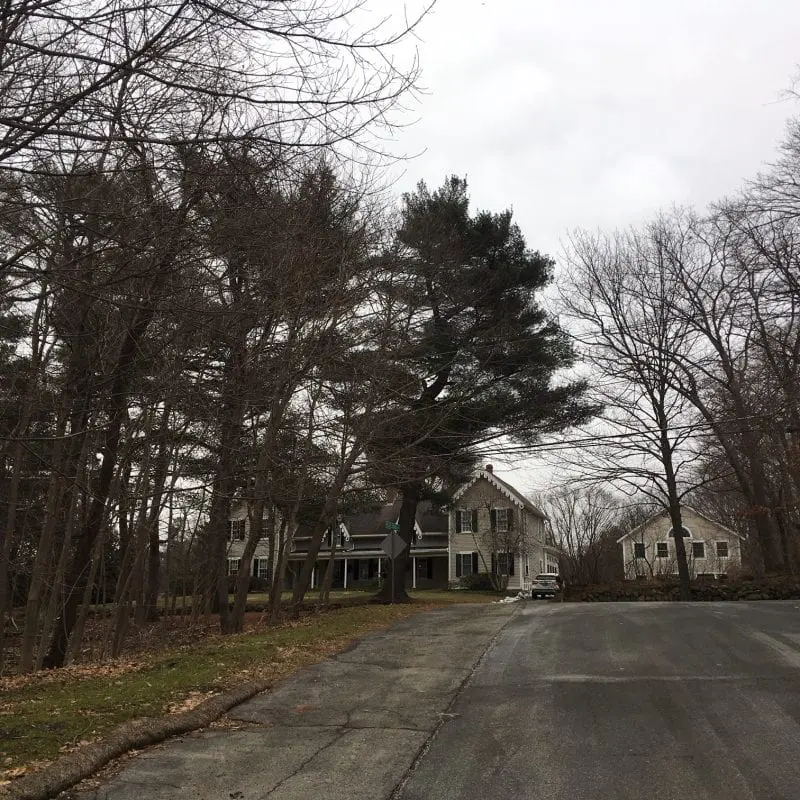
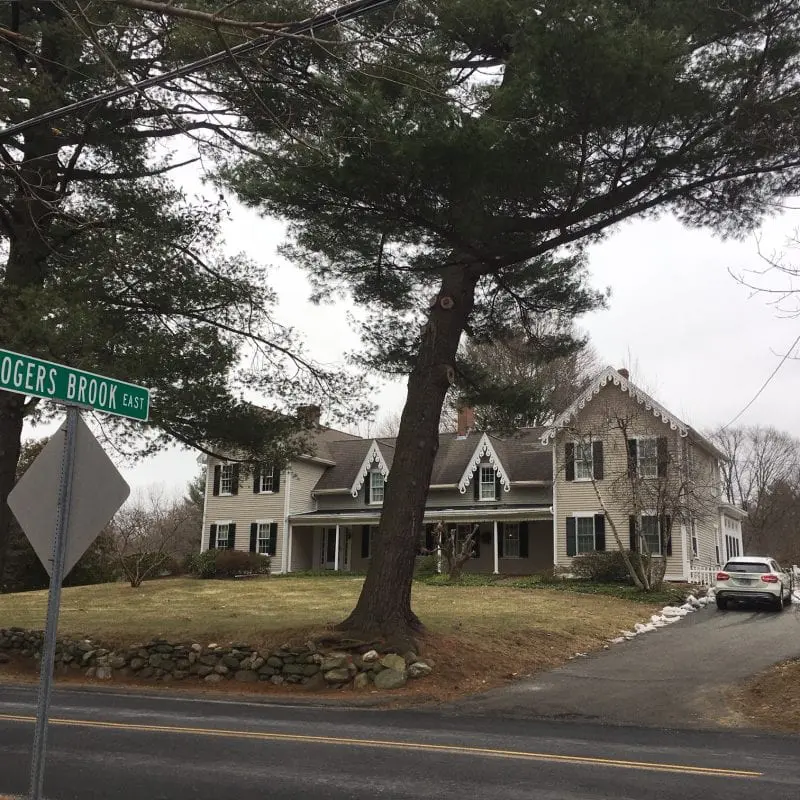
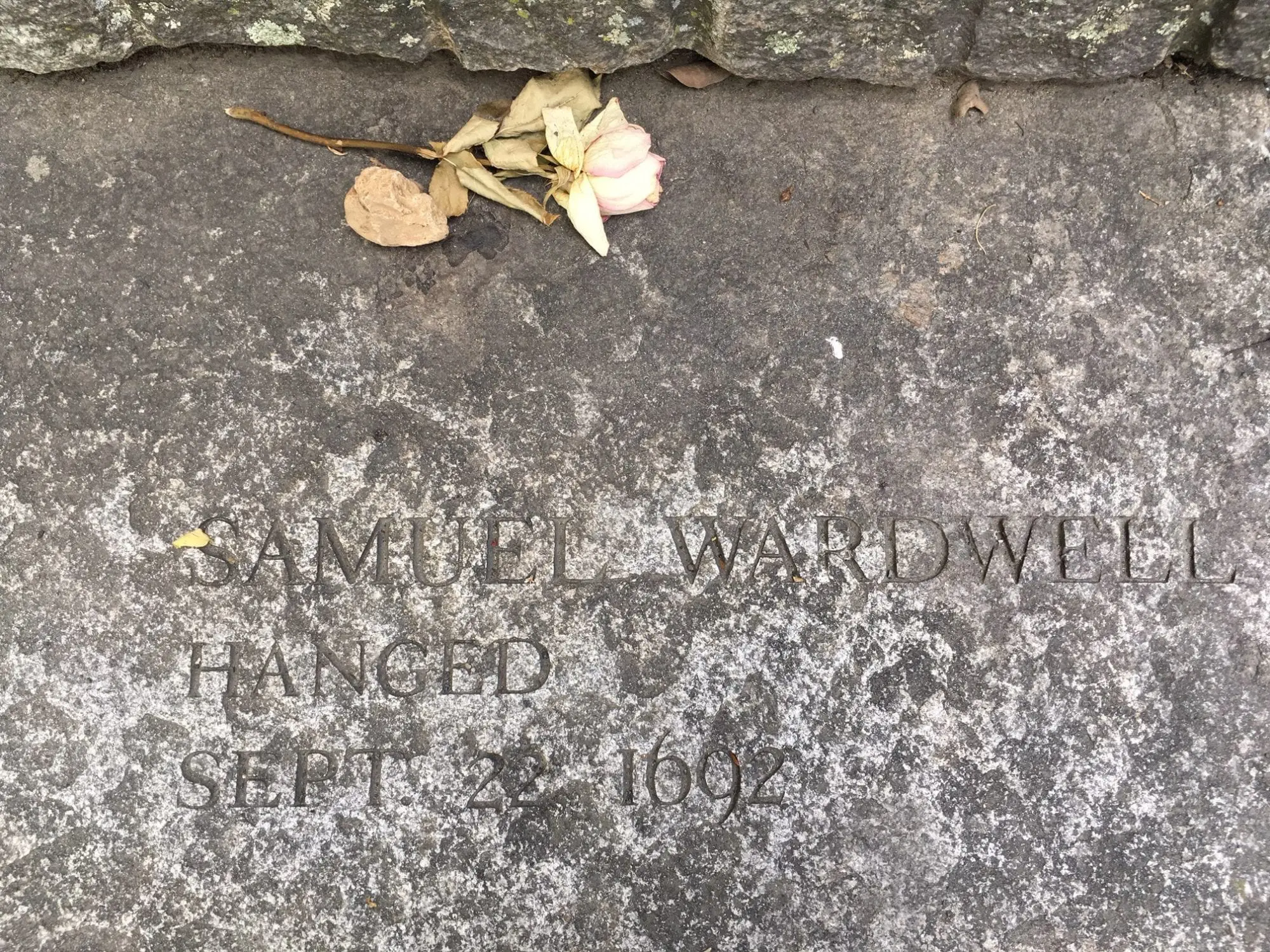
In 1692, Sarah and Samuel Wardwell lived in the center of Andover, near what is today the border between Andover and North Andover. Samuel was a known fortune teller, which made him a prime suspect for witchcraft accusations.
Spynote 6.5 Github Now

Highland Rd & Rogers Brook E, Andover, MA 01810, USA
Highland Rd & Rogers Brook E, Andover, MA 01810, USA
Spynote 6.5 Github Now
Downloading and attempting to run SpyNote 6.5 from a GitHub repository poses significant risks to the user, even if they intend to use it for learning:
If you suspect you are a victim of a Spynote 6.5 attack, look for these red flags: spynote 6.5 github
SpyNote 6.5 aggressively requests the SYSTEM_ALERT_WINDOW (Draw over other apps) and ACCESSIBILITY_SERVICE. Once it tricks the user into enabling Accessibility permissions, the game is over. With Accessibility, SpyNote can: Downloading and attempting to run SpyNote 6